The Morning After the Mains: A Power-Cut Plan for Your CCTV
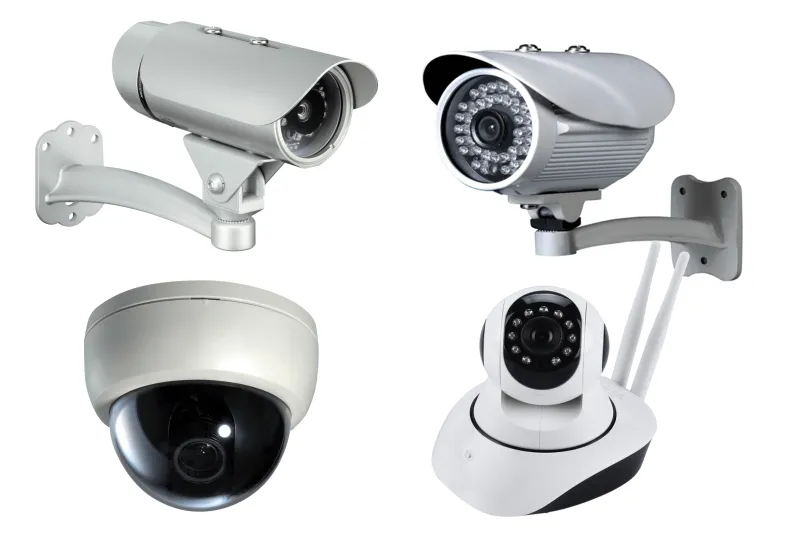
Photo: CCTV recorder and UPS battery backup in UK utility cupboard, via www.vashishtasystems.com
Most CCTV systems do not fail in a power cut. They fail in the ten minutes after one, when the mains comes back and nobody checks whether the recorder, cameras and router all came back with it. That is the bit worth planning for.
As the autumn and winter storms roll through, power cuts stop being a theoretical nuisance and become a real possibility. The good news is that you do not need a data centre to keep a home or small business system sensible. You need a little forethought, a labelled plug or two, and a test you actually repeat.
A power cut is a sequence, not an event
The lights going out is the obvious part. The less obvious part is the scramble afterwards. An NVR or DVR is often writing to disk when the power vanishes, which can leave the last file open or unplayable. Many recorders recover gracefully; some do not. Cameras reboot. The router drops. Remote viewing that worked on your phone yesterday may now be a blank screen because the router came back with a different address or the app needs a fresh login.
That is why the useful question is not simply does it have a battery. It is what do I want to keep running, and what do I need to check when the power returns.
Decide what has to survive
A UPS is not there to run the whole building. It is there to buy time or bridge a short outage for the parts that matter. For most UK homes and small shops, that means the recorder, the router and the cameras covering the main entrances, till or yard. If the budget only stretches to two items, put the recorder and router on it. Local recording continues, and remote access has a chance of staying alive.
Be careful with the halfway house. A recorder on a UPS with cameras powered by a separate switch that is not protected will stay awake but go blind. Cameras on a UPS with the router unprotected will keep recording locally, but your phone will not see them. Neither is wrong, as long as you know which one you have chosen.
Sizing a UPS without turning it into a physics exam
UPS boxes quote two numbers: VA and watts. The wattage is the one to watch. Add up the running load of the recorder, router and PoE switch or cameras. A small NVR might draw 25W, a router 10W and four cameras around 5W each. That is roughly 55W. A 600VA unit rated around 360W will run that comfortably for a while, but check the manufacturer's runtime curve rather than assuming it will last all evening. Runtime falls as load rises.
Do not plug a laser printer, heater or kettle into the UPS. Keep its vents clear. Replace the battery every three to five years, because a UPS that has never been tested is just a heavy extension lead with optimistic labelling. If you have PoE cameras on a switch, check whether the switch needs a pure sine wave supply; some do, and some are fussier than others.
Safe shutdown is worth switching on
Some UPS units can tell the recorder to shut down cleanly when the battery gets low. If your recorder supports it, enable it. If it does not, set the recorder to shut itself down after a sensible period on battery rather than letting it die mid-write. Firmware menus vary wildly, so take a photo of the setting once you find it.
While you are in there, check the clock. Set the recorder to a reliable network time source and confirm the time zone and daylight saving settings. A recorder that reboots with the wrong time is not just annoying; it can make a perfectly good clip look like it belongs to another day.
Surges are the other half of the story
Power cuts often arrive with a spike or a series of flickers. Use the surge-protected outlets on the UPS or a decent surge-protected strip, and do not daisy-chain extension leads into one another. If you have external cameras on long cable runs, especially to an outbuilding or gate, an Ethernet surge protector is worth discussing with your installer. It is cheaper than replacing a camera and a switch after a storm.
Cameras that never come back
After the power returns, walk the system channel by channel. A camera may be offline because it lost its DHCP lease, because two devices ended up with the same address, or because the PoE switch is unhappy with the boot order. Write down the IP addresses of your cameras and recorder. A DHCP reservation in the router saves a lot of guessing later.
If a camera has a fixed IP outside the recorder's subnet, it may never reappear after a reboot without manual help. That is the sort of detail that is boring until it is 7am on a Sunday and the yard camera is missing.
Remote access dies with the router
If the router is not on the UPS, remote access dies the moment the power does. Even when the router is protected, a reboot can change the WAN address, upset port forwarding or force the app to reauthenticate. After any outage, test the app on mobile data rather than home Wi-Fi. That is the only way to know whether remote access is genuinely working from outside.
The quarterly pull-the-plug test
Once a quarter, do a planned test. Tell anyone who shares the building. Pick a quiet time, note the clock, and switch off the circuit feeding the system rather than yanking a cable out of the wall. Watch what happens for five to ten minutes, then restore power.
Check the recorder boots, the time is right, every camera is online, and the last clip before the outage is playable. Check that the recorder kept recording during the outage if that was the plan. Check the app on mobile data. Write down what failed. A five-minute test in October is far less painful than discovering in December that the camera over the till has been offline since the clocks changed.
A short checklist
- Know the wattage of what is on the UPS and label the plugs.
- Put the router on the UPS if remote access matters.
- Enable safe shutdown if the recorder supports it.
- Set network time and confirm the time zone.
- Record camera IP addresses and use DHCP reservations.
- Use surge protection and avoid extension-lead daisy chains.
- Run a quarterly power-cut test and log the result.
A power cut is not the disaster. The disaster is the quiet fortnight afterwards, when nobody notices that the recorder is awake but the cameras are not. Ten minutes with a torch and a checklist is cheaper than that.