Eight Legs on the Lens: A Calm Guide to Insects and CCTV at Night
At two in the morning, the last thing you want is a close-up of a spider doing press-ups on your lens. Yet that is exactly what many CCTV owners find when they check the app after a mild autumn night. The camera is fine. The recording is fine. The view is just a soft, glowing smear with eight legs in the middle of it.
Insects and CCTV have a long and slightly ridiculous relationship. The good news is that you do not need a chemistry set or a pest-control qualification to sort it out. You need a bit of positioning, a sensible maintenance routine, and a realistic idea of what infrared light is actually doing.
Why your camera becomes the best bit of real estate in the garden
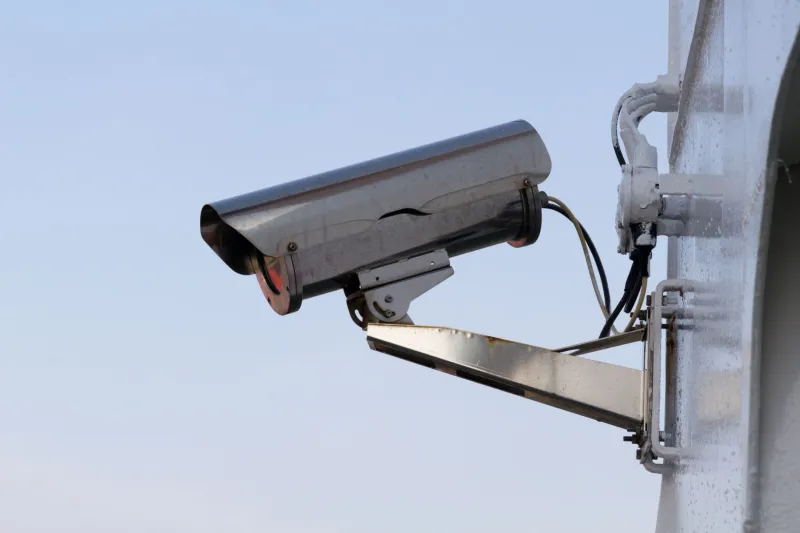
A CCTV camera mounted on a wall is a handy anchor point. It is warm, it is sheltered, and it sticks out into open space. To a spider, that is not a security device. It is a scaffolding opportunity.
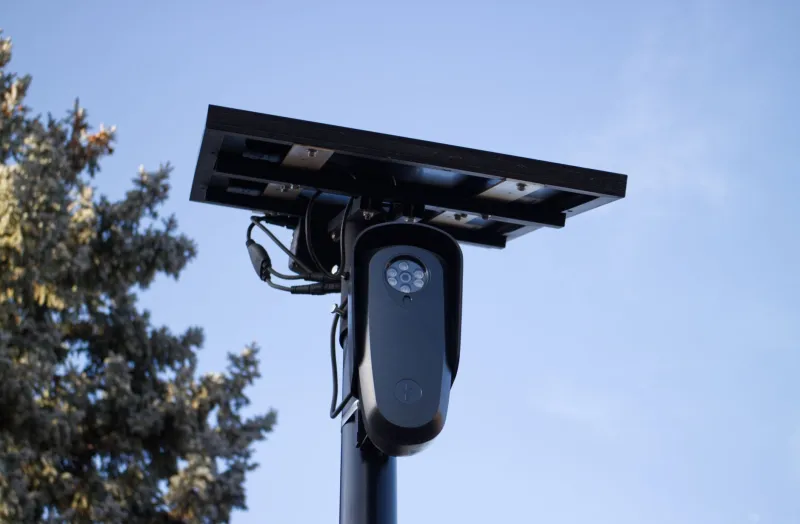
The glowing web is mostly a lighting trick. Many outdoor cameras use infrared LEDs around the lens to see in the dark. Infrared is invisible to us, but the camera sensor can see it. When that light hits a web, dust, or a spider sitting right in front of the lens, it bounces straight back. The result is a bright haze that can wash out the whole scene.
Moths and other flying insects are a different problem. They are often drawn to light sources, and an IR camera is a light source even if we cannot see it. They flutter around the housing, trigger motion alerts, and occasionally park themselves directly over the lens. A single moth can create more notifications than a fox on the bins.
None of this means the camera is faulty. It means the camera is doing its job in a place where insects also want to be.
Camera-mounted IR versus a separate illuminator
Most domestic cameras have infrared LEDs built into the same housing as the lens. This is convenient, but it puts the light source and the lens in almost the same place. Anything close to the lens gets lit up and reflected straight back. Think of it like holding a torch next to your eye: you see the fog, the rain, and every speck between you and the subject.
A separate IR illuminator moves the light away from the camera. The camera still sees in the dark, but the light now comes from the side rather than from the lens itself. That reduces the bright backscatter from webs and insects near the housing. It also gives a more even spread across a driveway or yard.
It is not a magic cure. Insects may still gather around the illuminator, and a spider can still build across the camera lens if it likes the spot. But an offset light usually makes the night image cleaner and makes the camera itself less of a beacon. If you are buying a separate unit, look for one with adjustable power and aim it at the scene, not at the camera housing.
Some cameras now offer smart IR or adjustable IR intensity. These can help by reducing the blast of light when something is close to the lens. They are worth using, but they are not a substitute for putting the camera in a better place.
The fixes that actually help
Start with repositioning. Move the camera away from overhanging branches, hedges, bins, and wall corners where spiders like to set up. Even 30 to 50 centimetres can make a difference. Angle the camera slightly downwards so the housing is less of a shelf. If you can, keep a metre of clear space around the front of the lens.
Look at your exterior lighting too. A porch light left on all night can pull insects towards the door, and your camera may be watching the show. Use a motion-activated light instead, or accept that the camera will have some company.
For spiders, physical removal is still the most reliable method. A soft brush or a long-handled duster lets you clear webs from the housing without climbing a ladder in the rain. Do it gently. You are not trying to scrub the lens; you are trying to stop the web from forming a diffuser over it.
It also helps to reduce the places where spiders can hide. Seal gaps around the mount if you can, keep foliage trimmed back, and avoid mounting the camera directly under a wide eaves where webs collect. None of this is guaranteed, because spiders are persistent and the UK garden is full of them. But it stacks the odds in your favour.
A maintenance routine for normal people
You do not need a weekly inspection ritual. A quick glance every couple of weeks in spring and autumn will catch most problems. Warm, damp evenings are the ones to watch. If you notice alerts firing at nothing, check the live view before you assume there is an intruder.
Clean the lens with a microfibre cloth and, if needed, a little water. Do not use household cleaners, solvents, or abrasive pads. They can cloud the plastic or damage the coating. Check the IR ring for dead insects and dust, and clear any webs from the housing and bracket.
While you are up there, check the recording. A spider does not just ruin the live view; it can also trigger motion detection and fill your notifications with rubbish. Use person or vehicle detection if your camera has it, and tune the motion zones so the camera is not watching the whole hedge. That will not stop insects, but it will stop them wasting your time.
What not to do
Do not drench the camera in insecticide. It is bad for the camera, bad for the seals, and often bad for the wildlife you actually want in the garden. It also does not solve the underlying attraction. A new spider will move in soon enough.
Be sceptical of folk remedies. Conkers, peppermint oil, and various sprays are often recommended online, but there is little reliable evidence they keep spiders off a camera housing. Some oils can damage plastic or rubber parts. If a tip involves coating your camera in something sticky or strong-smelling, it is probably not worth the risk.
Do not disable alerts altogether because a moth set them off. Fix the cause, adjust the sensitivity, or use smarter detection. You still want to know when a person walks up the drive.
The realistic expectation
A perfectly insect-free outdoor camera is a nice idea, but it is not a realistic one. You are putting a warm, sheltered object with a light on it in a British garden. Something will investigate.
The aim is to keep the view clear enough to be useful. Move the camera, separate the light if you can, clear the webs, and check the footage now and then. That is usually enough to stop the two-in-the-morning spider from becoming the star of your security system.