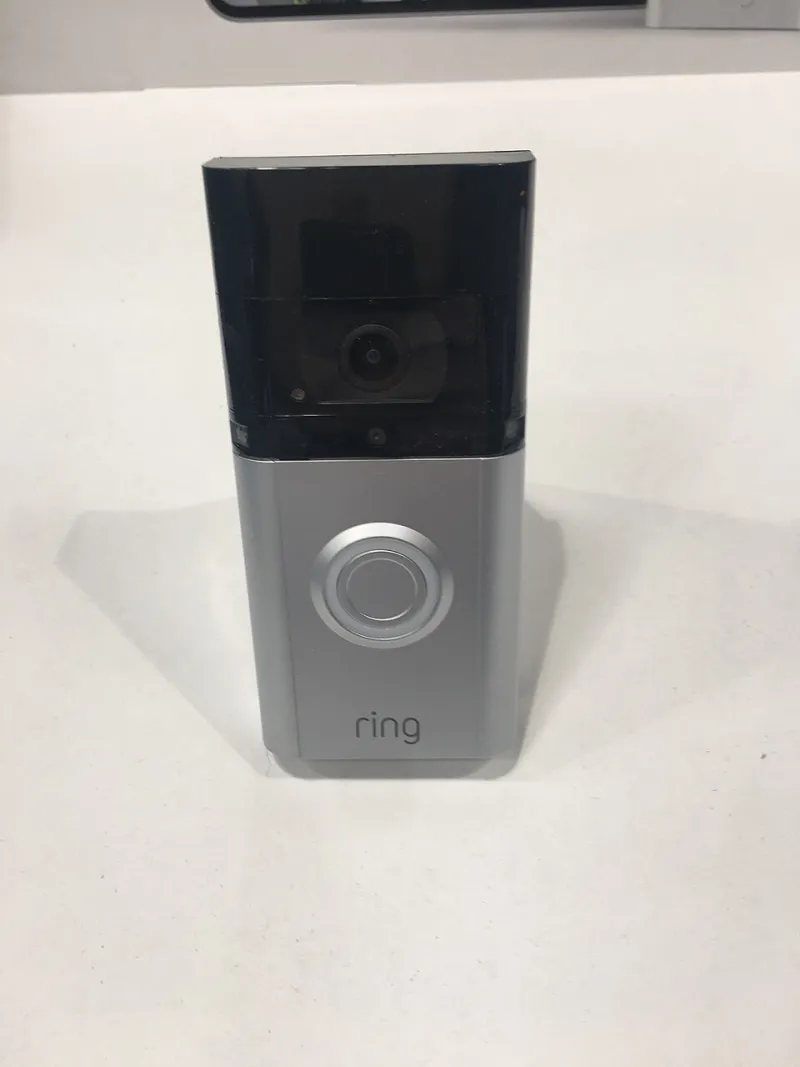
Person Detected (Probably): What Your Camera's AI Is Actually Guessing At
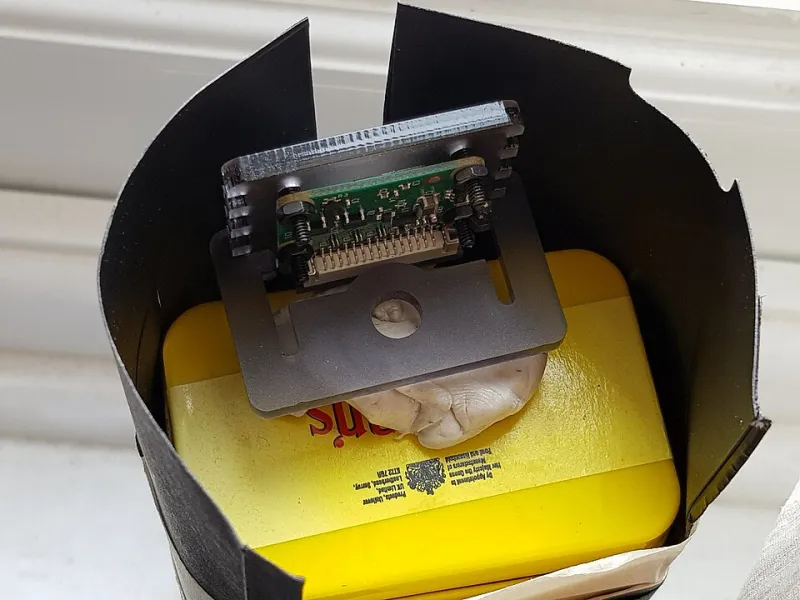
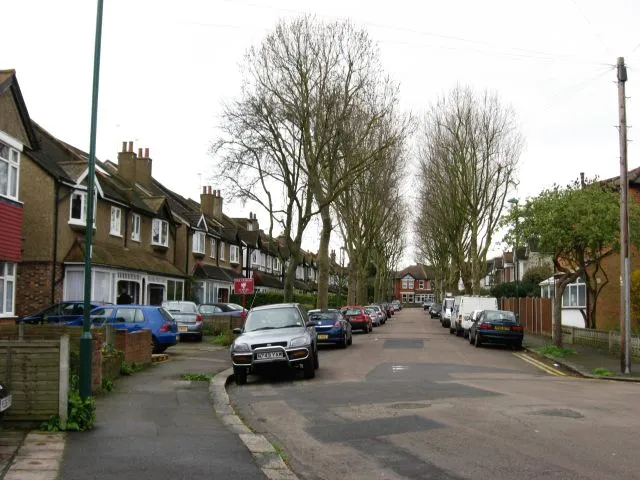
Photo: Fæ, CC BY-SA 4.0, via Wikimedia Commons
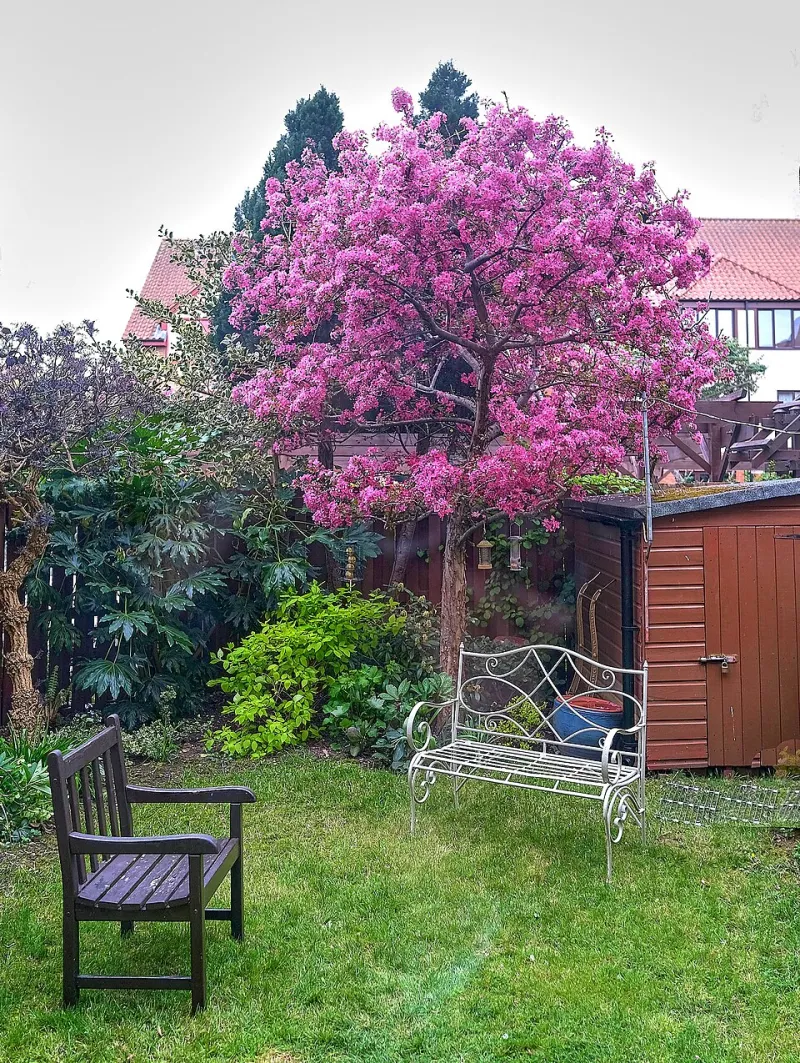
My phone buzzed eleven times last Tuesday. Nine of those notifications said the same thing: Person detected. There was, at no point on Tuesday, a person in my back garden. There was a fox, a very determined pigeon, and a bin bag that moved in the wind.
This is the state of consumer camera AI in 2026, and I think we should talk about it honestly, because the marketing has got well ahead of the reality.
What "person detected" actually means
Inside the camera, a model is looking at a frame, breaking it into regions, and deciding whether any of those regions look enough like the training data it was shown. If the confidence score clears a threshold the manufacturer set — often quite low, because low thresholds make demos feel impressive — you get a notification.
Notice what that process does not involve. It doesn't know what a person is. It doesn't know that posties are people who are welcome, or that your neighbour leaning over the fence is a person you'd rather not be pinged about. It's pattern matching with a confidence number attached, dressed up in language that makes it sound like judgement.
That gap — between pattern matching and judgement — is where most of the frustration lives.
Why a British garden is an AI's nightmare
If you wanted to design an environment to confuse a shape-based detector, you'd probably build a UK back garden. You'd include:
- Low winter sun throwing long, person-shaped shadows across a patio at exactly the angle a camera expects movement to come from.
- Rain on the lens and drizzle in the air, which reads as texture and motion simultaneously.
- Hedges and shrubs that move constantly from November to March and look, in a low-res thermal-ish sense, like something crouching.
- Foxes. Genuinely the perfect false positive: roughly human-sized, low to the ground in the dark, moving with intent.
- Bins, garden parasols and washing lines, all of which change shape and position and confuse anything doing background subtraction.
Add a postie who appears for four seconds at 7:40am and a delivery driver who reverses in at 6pm, and you've got an alert stream that trains you, very quickly, to ignore the whole thing. Which is the worst possible outcome for a security system.
Local smarts versus the subscription model
There are broadly two approaches on the market, and the trade-offs are real.
On-camera analytics run on a small chip inside the device. They're fast, they work without an internet connection, and nobody else sees your footage. The catch is that the chip is modest — you're getting a lightweight model trained on generic data, not something tuned to your garden. Expect decent person/vehicle/animal separation in good light and considerably wobblier results at 3am in February.
Cloud analytics send frames or clips to a server, where a much bigger model does the work and pushes a result back. Accuracy is usually better, especially for things like distinguishing a person from a bin bag, and features like package detection or face grouping become possible. The catch is a monthly fee, a dependency on your broadband, latency, and the small matter of your footage leaving the house.
Neither is automatically the right answer. A single camera on a shed probably doesn't justify a subscription. A multi-camera setup on a business premises, where missing a genuine event has a cost, probably does.
The privacy bit people skim
If you're running cameras that cover anything beyond your own boundary — a shared driveway, a pavement, a neighbour's gate — the footage is personal data and UK GDPR applies. That means you need a lawful basis, you shouldn't keep it longer than necessary, and you should be able to produce it if someone asks. The ICO's guidance on video surveillance is dry but genuinely worth an hour of your time, and the Surveillance Camera Code of Practice sets out the expectations in plain terms.
Cloud AI adds a layer: your clips are being processed by a third party, possibly outside the UK. Read where the data goes and how long it stays. If a manufacturer can't tell you that in one clear page, treat it as a signal.
Tuning detection zones without blinding yourself
Most of the complaints I hear about camera AI are actually configuration problems. A few things that consistently help:
- Draw tight zones, not big ones. A zone covering the whole garden will fire on everything in the garden. Draw a polygon around the actual approach path — the gate, the path, the front door step.
- Use two zones with different rules. A "trigger" zone where you want alerts, and an "ignore" zone over the pavement or the neighbour's fence line. Many mid-range cameras support this now and it's the single biggest quality-of-life upgrade.
- Trim the sensitivity, then trim it again. Manufacturers ship high. Most people run at 80% or 90% when 40% would do the job with far fewer false hits.
- Set a minimum object size if the camera offers it. It kills birds, cats and most weather noise instantly.
- Use schedules. You probably don't need person alerts at 2pm on a Wednesday when you're in the kitchen. You definitely want them at 2am.
- Test with a real person. Walk the approach at the times of day you care about. Note what fires and what doesn't. Then adjust. This takes twenty minutes and beats every review you'll read.
A checklist for judging whether the smarts are useful
Before you buy, or before you give up on what you've got, run through this:
- Does it distinguish person from vehicle from animal as separate toggles? If it's one generic "motion" slider, it isn't AI, it's marketing.
- Can you see the confidence score or the detection box? Some apps show you what the camera thought it saw. That transparency is a good sign.
- Does it work offline? Unplug the router and see what survives.
- What happens in the rain? Genuinely — check. A camera that's fine in July and useless in January is a camera for half the year.
- Is the subscription optional? If basic detection stops working when you cancel, you didn't buy a camera, you rented one.
- Can you export a clip with the timestamp intact? Because that's the only part that matters when you actually need it.
Where I've landed
I want camera AI to be good. When it works — a genuine person at the gate at 1am, a clean clip, a notification you trust — it's genuinely transformative, and far better than the old motion-trigger lottery.
But in 2026 the honest position is that most consumer analytics are helpful filters, not reliable detectors. Treat "person detected" as "something worth a look" rather than "a person is there", tune the zones properly, and judge any camera by how few pointless notifications it sends you in a fortnight — not by how clever the box claims to be.