The Uphill Struggle: Remote CCTV and the Upload Speed Nobody Sold You

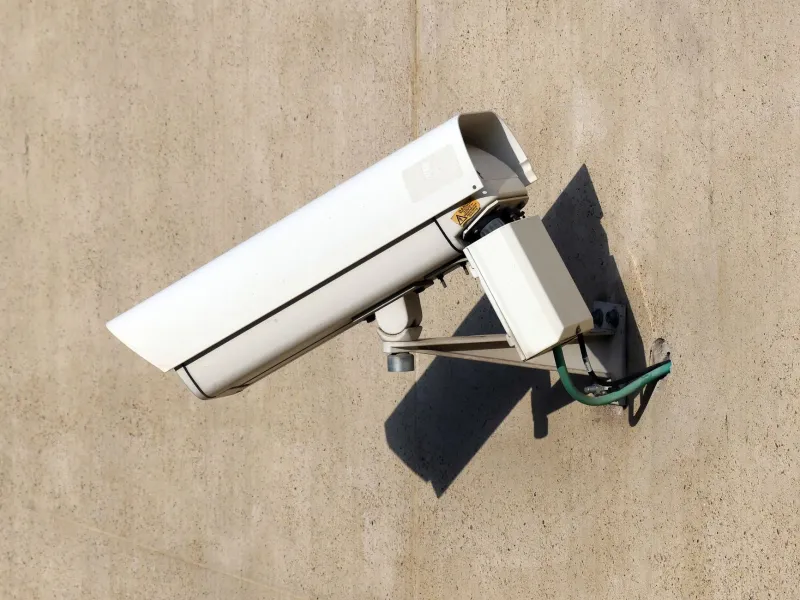
Photo: Johann Köler, Public domain, via Wikimedia Commons
Remote viewing feels like magic until it doesn't. You're on the train, or in a hotel, or standing in a car park, and you open the CCTV app for a quick look at home. The camera is online. The app knows it is online. And yet the picture arrives in freeze-frames, or the spinner goes round until you give up and check your email instead.
The temptation is to blame the camera. Usually, the camera is fine. The weak link is the connection back at the house — specifically, the upload speed. Broadband adverts have spent years shouting about downloads. Nobody gets excited about the outgoing lane. But remote CCTV lives almost entirely in that lane.
The pipe is narrower on the way out
Most UK home connections are asymmetric. You get a wide pipe coming in and a much narrower one going out. That is fine for streaming films, browsing and video calls. It is less fine when your CCTV system wants to push live video from your house to your phone somewhere else.
A single camera can ask for several megabits per second if you let it run at full resolution and a generous bitrate. Four cameras can ask for more than the line can spare. Add someone else in the house on a video call, a games console updating, or a cloud backup doing its thing, and the upload lane is suddenly a traffic jam. The app doesn't know why the video is late. It just knows the video is late.
This is why testing the app while standing in your own kitchen proves almost nothing. On the home Wi-Fi, the video may never leave the building. Step outside and use mobile data, and the footage has to travel through your router, up the broadband line, across the internet and down to your phone. That is a very different journey.
Why playback can work when live view won't
It seems illogical: the live picture is unwatchable, but last night's recording plays back perfectly. The clue is in the timing.
Live view is impatient. It wants a continuous stream now, and it cannot buffer much before it starts looking broken. Playback is more forgiving. The app can request a chunk of footage, wait for it to arrive, and then play it. Some systems fetch clips at a lower bitrate or download a segment before pressing play. The result feels smooth because the app has been allowed to cheat time.
So a working playback screen does not mean your upload speed is healthy. It often means the app has found a way to work around the impatience of live view.
Bitrate is a budget, not a badge
Bitrate is the amount of data used per second of video. Higher bitrate can mean more detail, but it also means a bigger upload bill. A camera set to 'maximum' is not automatically doing you a favour. It may be producing beautiful recordings that your broadband cannot deliver remotely.
The trick is to separate recording quality from remote viewing quality. Keep the main stream — the one written to the NVR or memory card — at a sensible quality for evidence. Then give the app something lighter to watch live. You do not need cinema-grade detail to check whether a gate is open or a van is on the drive.
In the camera or NVR settings, look for bitrate, resolution and frame rate. Dropping remote viewing to 720p, 10 to 15 frames per second and a bitrate around 512 kbps to 1 Mbps can transform a stuttering feed into something useful. If the camera supports H.265, use it where the rest of the system does too; it can send similar-looking video with less data. But don't wreck the main recording just to make the phone app happy.
Substreams: the second camera inside your camera
Many CCTV cameras and NVRs can produce more than one stream at once. The main stream is the high-quality recording. The substream is a smaller, lighter version intended for remote viewing and quick previews.
If your app has a 'fluent', 'standard' or 'HD' toggle, you are probably switching between those streams. Fluent is not an insult to your camera. It is the sensible choice when you are on a train with two bars of signal. HD is for when you are on reliable Wi-Fi and actually need to zoom in on a number plate.
Set the substream deliberately rather than leaving it on whatever the installer chose. A useful compromise is 640x360 or 720p, low frame rate, modest bitrate. Then use the main stream for recordings and for the occasional high-quality download when something has actually happened.
Make the phone do less work
Sometimes the bottleneck is not the broadband but the phone. If you are viewing four cameras at once on a small screen, the app is asking for four live streams and decoding them all. Switch to a single camera, close the others, and see whether the picture settles.
Also check whether the app is trying to show full resolution in a window the size of a credit card. It is wasted effort. Many apps let you choose a lower stream by default and only pull the main stream when you tap for detail. That setting alone can turn a frustrating app into a usable one.
If you are on mobile data, remember that upload speed at home is only half the story. Your mobile download speed matters too, and indoor coverage can be patchy. Try the same view on Wi-Fi and on mobile data at different times. If mobile data is consistently worse, the problem may be at your end of the phone, not at the house.
Check the boring bits first
Before you start changing camera settings, check the unglamorous things. Is the NVR or camera connected by Wi-Fi when it could be wired? A wired connection is not magic, but it removes one source of dropouts. Is the router busy uploading something else? Has the broadband package changed? Are you actually on the connection you think you are?
If your router has quality-of-service settings, you can prioritise the CCTV recorder or camera. That won't create upload capacity out of thin air, but it can stop a software update from hogging the lane while you are trying to check the front door.
And if remote viewing matters a lot — for a shop, a rental property or a home you check often — look at your upload speed as part of the system specification. A camera that looks brilliant on paper is only as good as the line that has to carry its pictures away.
Keep the detail where it matters
The goal is not to make every remote view look like a postcard. It is to make the remote view reliable enough to be useful, while keeping the recorded evidence as strong as it can be. Use the substream for live checks. Use the main stream for recordings and downloads. Test from outside the house, not just the sofa. And remember that the upload speed trap is usually a settings problem wrapped around a broadband problem — not a camera that has suddenly forgotten how to work.