Why Your Doorbell Goes Wobbly When the Kettle Goes On

Photo: Bob Harvey , CC BY-SA 2.0, via Wikimedia Commons
There is a very specific hour in many UK homes when the doorbell camera starts behaving like it has had a long day. The live view spins. The chime arrives late. A clip that should show a courier shows a blurred elbow and then nothing. It is teatime, the kettle is on, three phones are updating, someone is streaming something loud in the front room, and the doorbell is quietly trying to send video through a street full of other people's Wi-Fi.
The temptation is to blame the doorbell. Sometimes the hardware is at fault, but in a lot of cases the camera is simply stuck in a traffic jam. Understanding that jam makes the difference between buying another camera and fixing the one you already own.
It is usually the airwaves, not the camera
Most doorbells and many outdoor cameras use the 2.4GHz Wi-Fi band. It is popular for good reasons. It travels further than 5GHz and gets through brick, glass and the sort of walls that make up a British semi. The downside is that it is also the busiest band in the house. It is where smart plugs, baby monitors, wireless doorbell chimes, older laptops, printers and a great many neighbouring routers all gather.
The 2.4GHz band is not one wide motorway. It is more like a narrow high street with a few usable parking spaces. In practice, only channels 1, 6 and 11 avoid overlapping each other in the usual setup. If your router, next door's router and the router two doors down are all sitting on channel 6, everyone is sharing the same space. Your doorbell does not get a reserved lane because it is doing something important.
What teatime actually does to your Wi-Fi
When everyone gets home, the network changes character. Phones reconnect and start backing up photos. Someone opens a video call. A games console downloads an update. The microwave runs for four minutes and, depending on where it sits relative to the router, can add its own interference. None of these things individually kills a doorbell. Together they make the airtime busier, and a doorbell is often the weakest and most distant device in the chain.
Doorbells also have a hard job. They are small, often battery-powered, mounted on an outside wall and expected to send video through a wall to a router that may be at the back of the house. A phone in the same hallway might show a strong signal because it is indoors and near the router. The doorbell is outside, lower down, and surrounded by materials that do not help. Signal strength at the door is what matters, not signal strength on the sofa.
Do a simple channel survey before you buy anything
You do not need professional kit to get a useful picture. A free Wi-Fi analyser app on a phone will show how many networks are visible and which channels they use. Walk to the front door and look at the 2.4GHz graph. If it is a solid wall of overlapping lines, you have found a likely culprit.
Then log into your router and check its 2.4GHz channel. Many routers are set to automatic, which sounds helpful but can be lazy. Automatic selection may park you on a crowded channel and stay there. Try channel 1, 6 or 11, one at a time, and see which looks least crowded in the survey. Do this at teatime, not at 11am when the street is quiet. A channel that looks clear on a Tuesday morning may be a scrum at 6pm.
If your router lets you adjust channel width, 20MHz is often more stable than 40MHz on 2.4GHz in a crowded area. You lose a little headline speed and gain a better chance of holding a connection. For a doorbell sending a modest video stream, that is usually a fair trade.
A booster is not always the answer
Wi-Fi boosters and extenders get recommended a lot, and sometimes they help. But a cheap repeater does not create new airtime. It listens to the busy channel and repeats it, often halving throughput and adding latency. Place one badly and your doorbell ends up talking to a repeater that is itself struggling to talk to the router.
A mesh system can be better, especially if the mesh node near the front door is connected back to the main router by Ethernet. That is wired backhaul, and it is the grown-up version of a booster. If you cannot run a cable, a powerline adapter can work in some UK homes, but results vary with the age and wiring of the house. It is worth testing with a returns policy in mind rather than assuming it will solve everything.
When 5GHz or a cable earns its keep
If your doorbell supports 5GHz and the router is reasonably close to the front door, try it. The 5GHz band is less crowded and often faster, but it does not push through walls as well. In a small flat or a modern house with a router near the hall, it can be excellent. In a thick-walled Victorian terrace with the router in the back room, it may be worse than 2.4GHz.
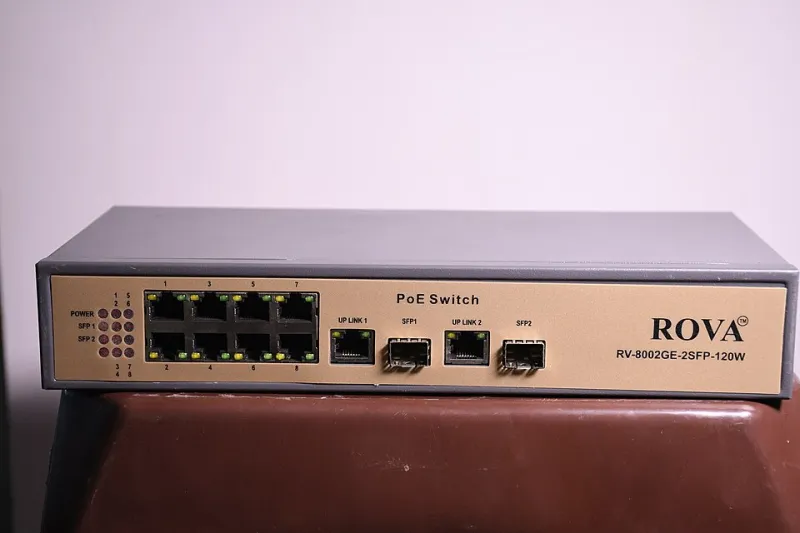
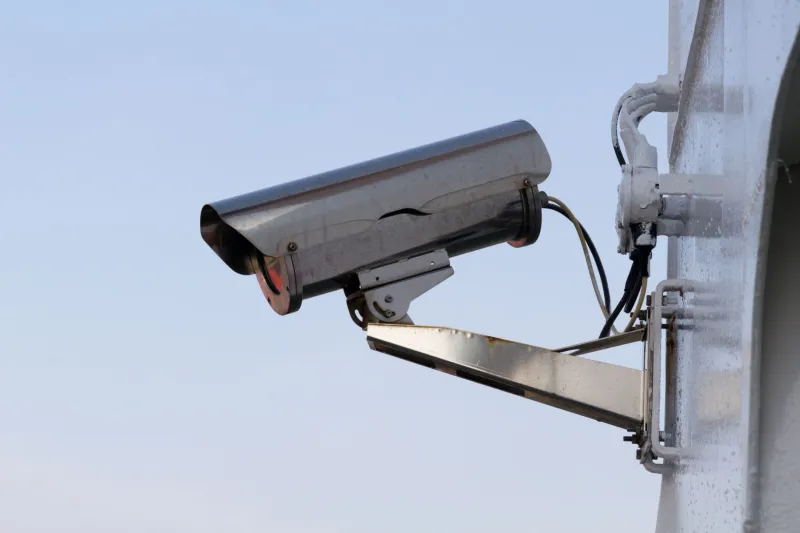
For fixed outdoor cameras, the most reliable answer is still a cable. Power over Ethernet cameras do not compete for Wi-Fi airtime at all. If drilling and cabling are off the table, a wired doorbell or a camera with a local recording box can reduce the reliance on cloud video at the exact moment the network is busy. The aim is not to remove Wi-Fi from the house. It is to stop the most important camera from being the one with the weakest claim on it.
Test the connection before blaming the hardware
Before you replace a doorbell, do a few simple checks. Look for the signal strength or RSSI figure in the camera app and note it at the door. Check whether live view stutters at teatime but behaves at midnight. Bring the camera indoors, temporarily, and see if the problem disappears. If it works perfectly two metres from the router, the camera is probably fine and the installation position is the issue.
Also check the basics: firmware updates, a tired battery, a failing power supply and a memory card that has seen better days. None of those are Wi-Fi problems, but they produce similar symptoms. A camera that reboots when the chime sounds may have a power issue, not a network one.
A calmer teatime is possible
You do not need to turn your home into a radio laboratory. Start with the channel survey, move the router or mesh node if you can, and consider whether the doorbell really needs to send full-quality live video every time someone walks past. Lowering the live-view quality, using on-camera person detection and keeping recordings local where possible all reduce the pressure on a busy band.
A doorbell that stutters at teatime is not necessarily broken. It is often a small device trying to be heard over a lot of noise. Give it a clearer channel, a better path to the router or a cable, and it will usually stop looking like a hardware fault and start looking like what it is: a radio problem with a practical fix.